Mobile app
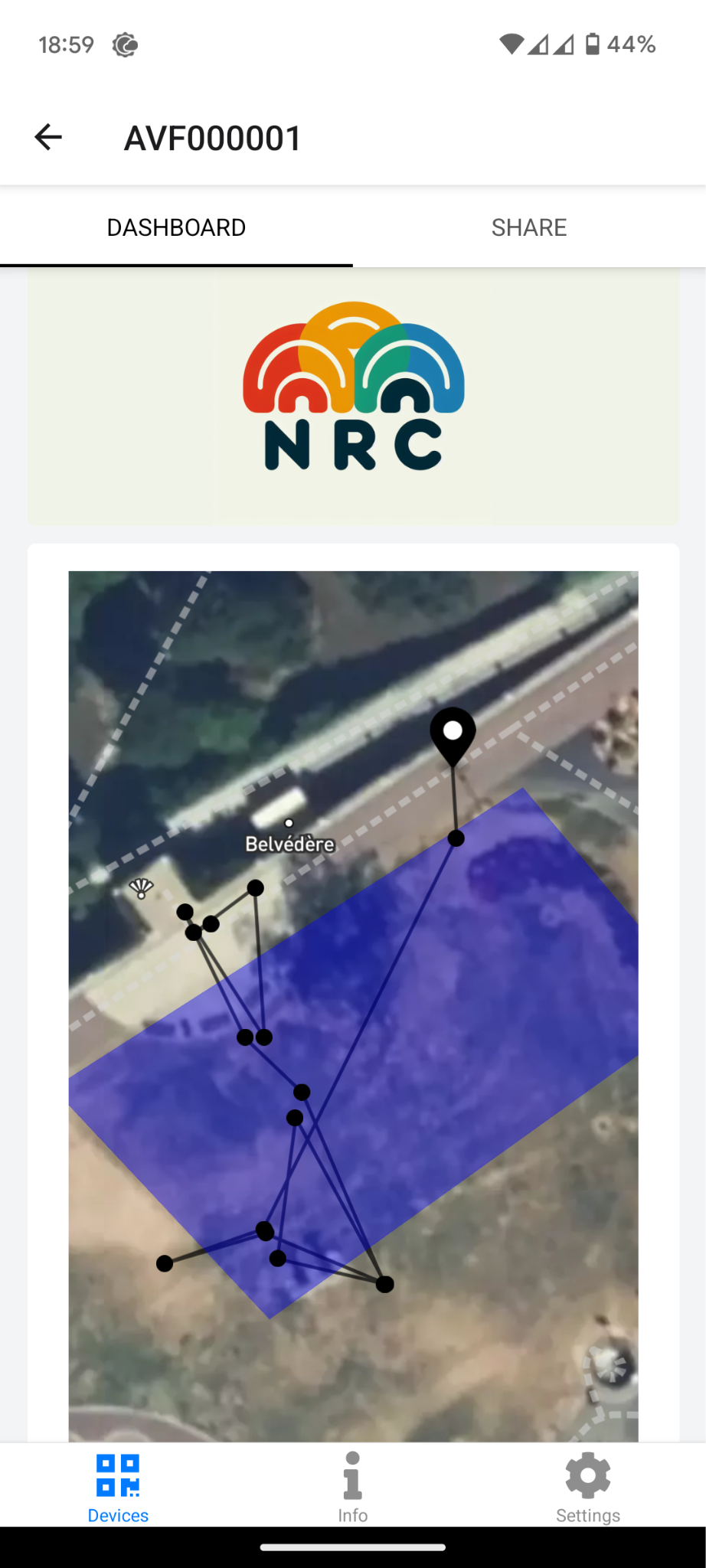
You can view the dashboard on your phone using the Datacake app:
- iPhone:
https://apps.apple.com/us/app/datacake/id1358497267 - Android:
https://play.google.com/store/apps/details?id=com.datacakehq.datacakedashboardapp
In the app:
- Remove demo devices in Settings > Remove devices.
- Add a new device by tapping the + icon on the home screen.
- Scan the QR code generated when you shared the dashboard.